
Key Health Insights in 30 seconds
Know What Your Face Reveals About Your Health, Using Your Smartphone Camera
Smart AI-Driven Scan to identify health indicators and recommend further evaluation

Available on Redcliffe's App
Clinically Validated
Tracks Health Trends Over Time
First 1 Scan Free
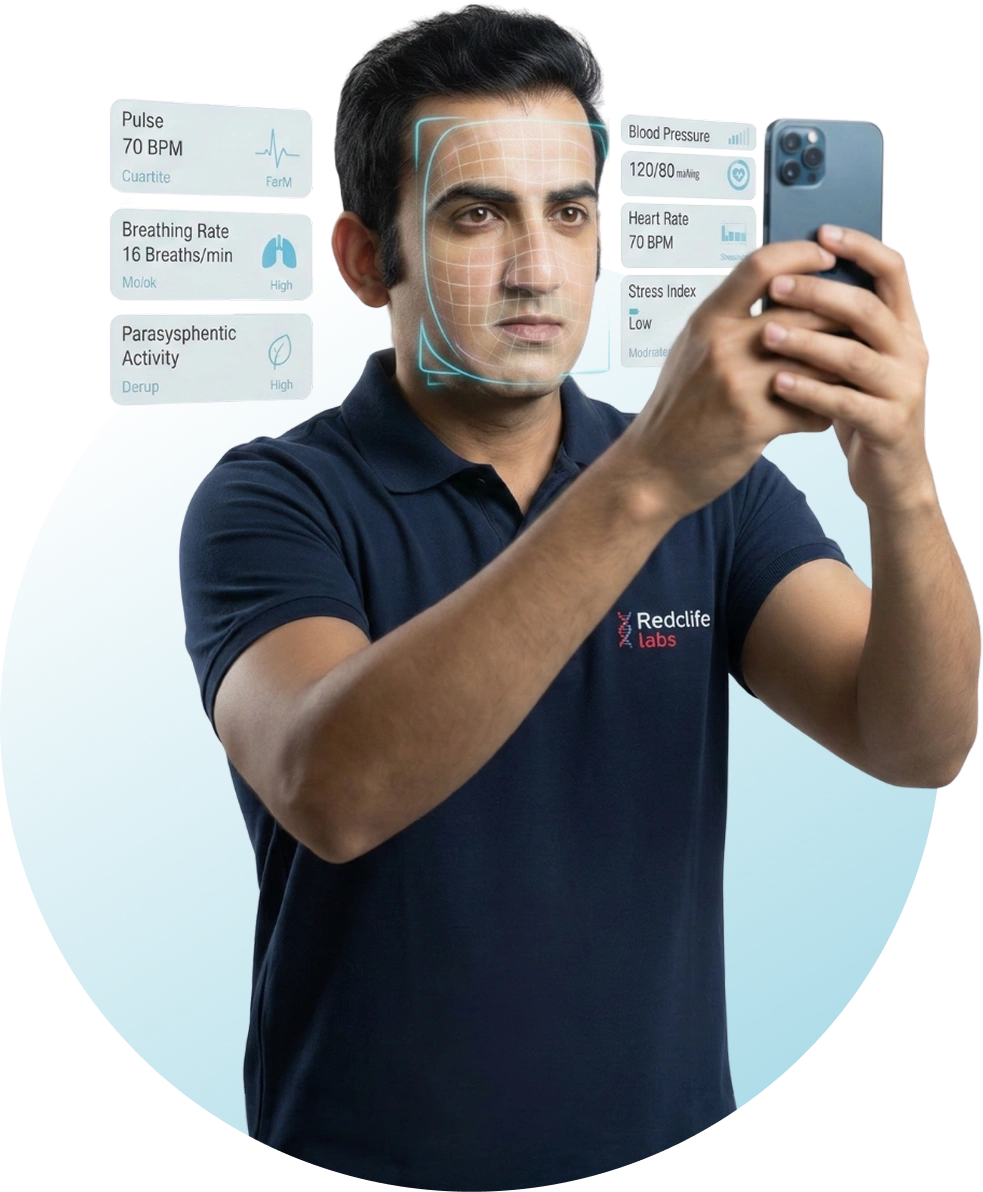
Face it Today, Care For Tomorrow
5 Simple Steps to Get Started With Face Scan
It takes less than a minute to start your self-care journey1
Start Your Journey
Open the Redcliffe Labs App and tap on Face Scan
2
Select Member
Pick the member from your profile to continue
3
Position & Scan
Find a well-lit spot and keep steady for your quick scan
4
Instant Health Reports
Captures facial biomarkers to share heart rate, breathing rate, stress, BP, and other health insights
5
Personalized Recommendations
If scan detects any irregularities, get a personalised health package recommendation for further evaluation.
Why Choose Redcliffe’s Face Scan?
All health insights integrated with actionable insights that guide your next steps

Uses Advanced Technology
Built on rPPG & rBCG tech to capture vital health signals with the highest accuracy

Track Your Trends
Track changes in your vitals across multiple scans and to define trends of your healthcare journey

Actionable Health Guidance
If your results need attention, get guidance on the next steps

Integrated Diagnostic Support
Seamlessly connect your scan insights to trusted diagnostic support
Frequently Asked Questions
All health insights integrated with actionable insights that guide your next steps